
IEI System Backup and Recovery Tool
- Press the F3 key to perform a single click backup of the operating system to a secure factory restore partition.
- Press the F3 key to restore the system to its factory settings or a previously backed up state by entering the recovery environment.
- Automatic recovery when encountering abnormal operating system boot-ups and Windows Apps malfunctions
- IEI products benefit a high level of system security with OneKey Recovery2 utility. Applicable to industrial sectors including automation, transportation, kiosks, and medical fields
Achieve Simple and Fast Backup and Recovery
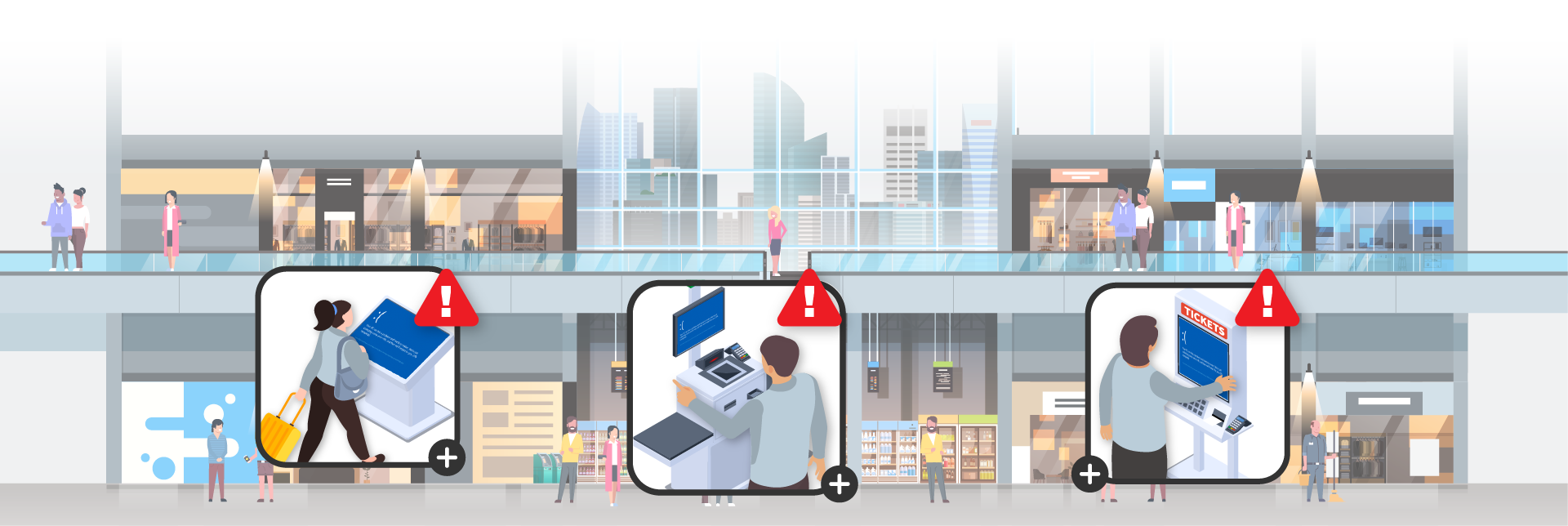
System crashes and boot failures are frequent issues that computer users encounter. What if you don't have a reliable recovery tool available? Or what if the Windows built-in tool is malfunctioning?
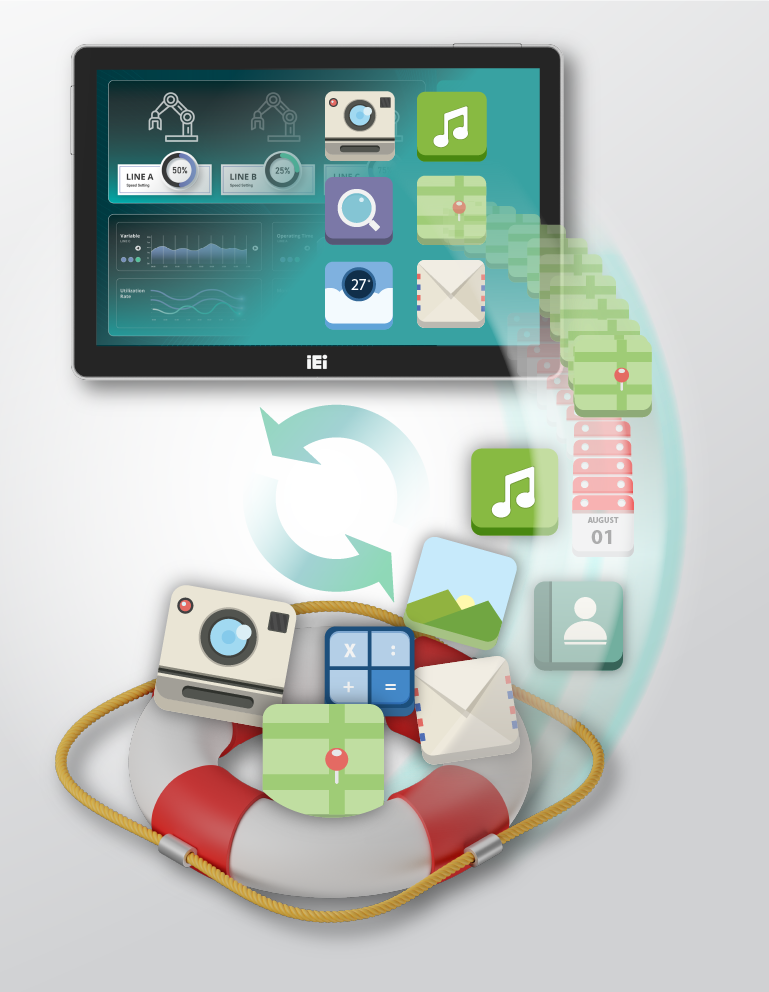
IEI OneKey Recovery2 provides a quick backup and recovery solution for your operating system and applications, settings, and all data stored on IEI products. With just one click, experience a rapid system backup and recovery without navigating complex settings. This not only safeguards against the likelihood of data loss resulting from primary software failure but also ensures business continuity.
Reduce Total Cost of Maintenance Comprehensively
Did you know that over 45% of data loss incidents stem from human error, software glitches, and computer viruses? These encompass a wide range of problems, including coding mistakes, unintentional bugs, conflicts in software compatibility, malware infiltrations, implementation hiccups, and even the use of outdated software, leading to system freezes, unexpected reboots, or complete shutdowns. These issues can result in significant downtime, causing disruptions across the entire IT/OT framework. IEI One Key Recovery2 offers a solution to tackle these challenges.

Restart Made Simple
Just press F3 and follow the step-by-step instructions. This efficient method helps even non-tech users quickly restart the system, reducing downtime.

Automatic Recovery Ensures Continuous Operation
OneKey Recovery2 automatically restore the Windows image and apps if they fail or crash, enabling continuous work despite unexpected tech problems.

Minimizes Search Costs
With the free backup and recovery tool, users can save their time as there's no need to search, research, and compare various recovery tool alternatives.

Creating Secure Partitions for Backups
The partition wizard creates a separate partition to store the backup image and the OneKey Recovery2 program files safely.
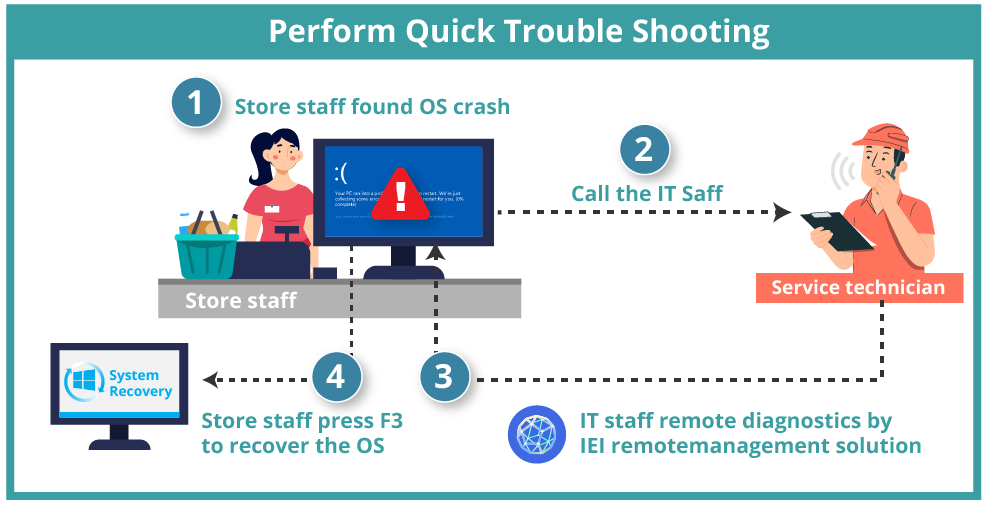
Reduce Downtime and Redundant On-Site Support with OneKey Recovery2 and
IEI Remote Management iRM Solution
As the number of devices increases, implementing a proactive approach for maintenance becomes essential in order to minimize downtime costs. IEI's backup solution can help you quickly restore your system to prevent data loss. Integrating IEI IRM remote management solution enhances this further by lowering maintenance costs and giving users more control over distributed systems.

Recover Your Data with Ease
Disaster recovery must be quick, easy and effective. With IEI's intuitive manager console GUI, affected business systems can be quickly recovered to their normal status.
Automatically Recover Windows Apps
The automatic recovery app wizard quickly detects and recovers from app failures or crashes, which can happen for various reasons, such as app bugs, failed updates, or corrupted files. This helps minimize downtime and ensure the smooth operation of critical business or user applications.
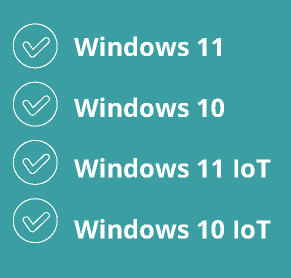
Backup for

Operating Systems
Backup for
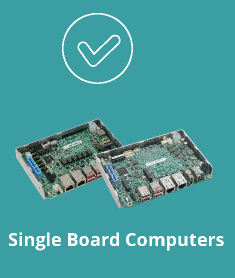
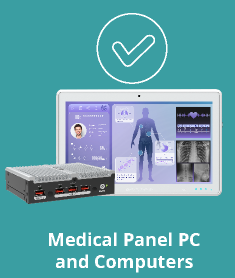
IEI Hardware Solution

Operating Systems
Why Need IEI OneKey Recovery2?

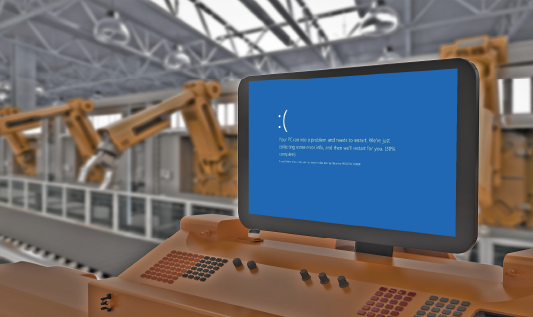
System Infection or Abnormal Software Installation
When your computer is infected with viruses, malware, or experiences abnormal software installations, the one-click restore can bring your system back to a previously backed-up state, effectively removing potential threats or issues. This helps protect the security and stability of the system.
System Fails to Boot Properly
Sometimes, the system encounters problems preventing it from starting up or running normally. This may be due to software conflicts, configuration errors, or hardware issues. One-click restore can help you quickly restore the system to a working state in such situations, without the need for lengthy troubleshooting steps.

Computer Slowness
or Lag
Over time, a computer's performance may degrade, resulting in slow or laggy operation. One-click restore can return the system to an earlier state, enhancing its performance and responsiveness.


